
Help / Clients and brands
Brand profile
Give each client a voice, rules, logos, colours and fonts that every AI helper and design reads.
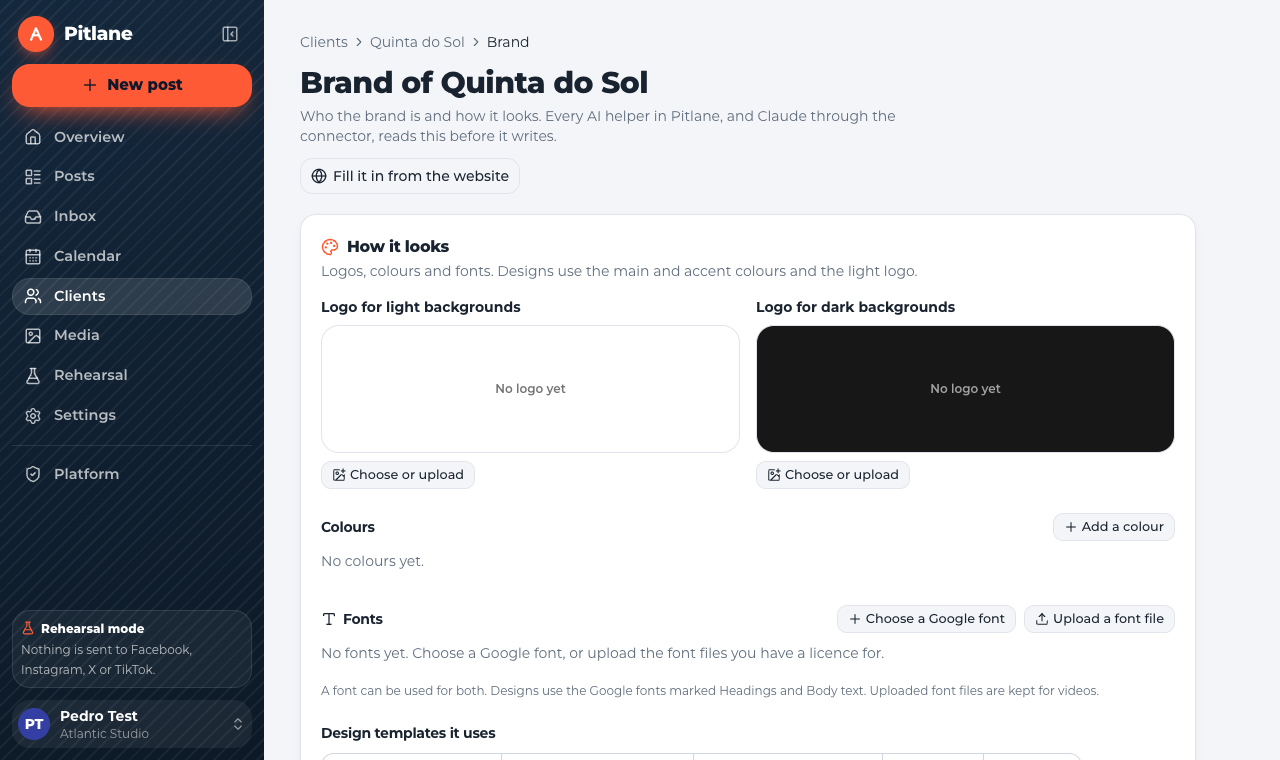
- Open the client and choose Brand.
- Press Fill it in from the website to let Pitlane read the logo, colours and fonts from the client's site, then correct the proposal.
- Write who the brand is, how it speaks, words to use and to avoid.
- Add fonts for headings and body, and a logo watermark for videos if you want one.
Captions, rewrites, alt text, designs and Claude through MCP all read this profile, so the writing sounds like the client.