
Help / Calendar and plan
Calendar
See and move every post by week, month or list, with a side panel for the details.
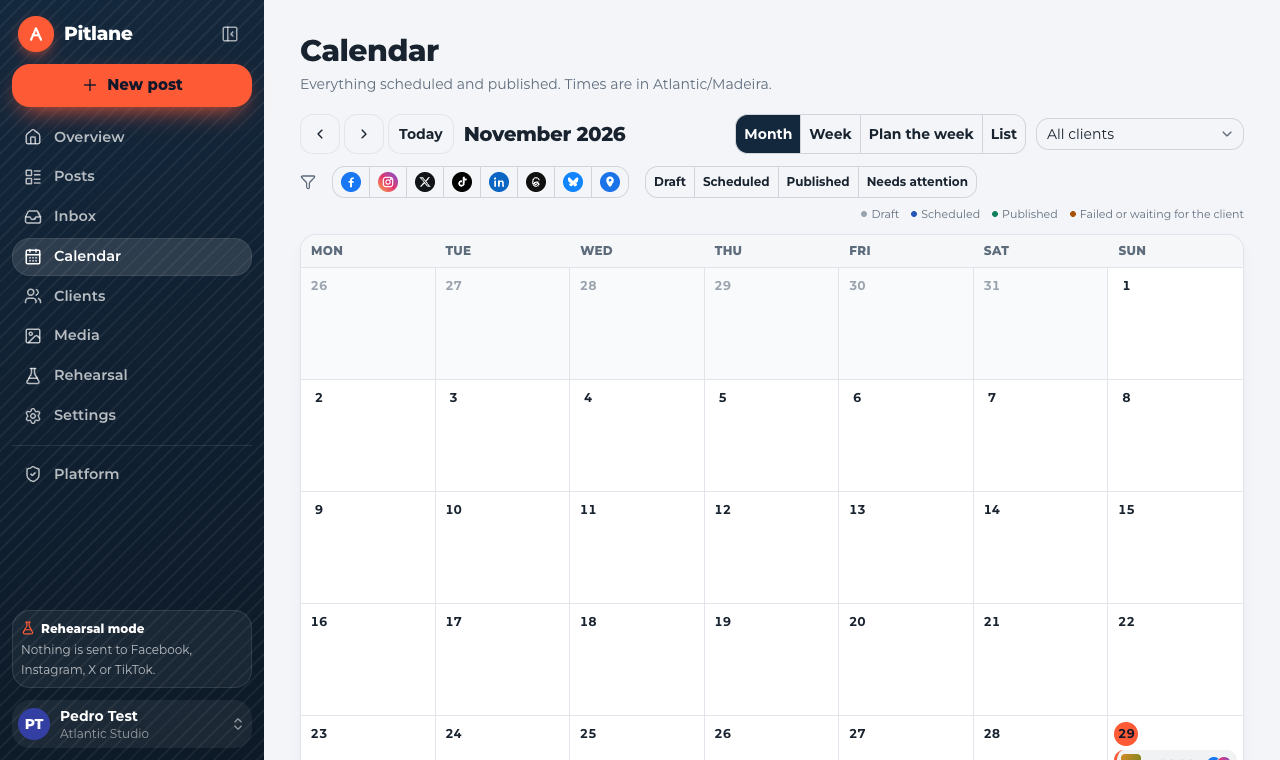
- Drag a post to another day or time to reschedule it.
- Click a post to open it in the side panel beside the calendar.
- Click an empty day to start a new post there.
- Filter by client, network or status, or switch to the list view.