
Help / Networks
Connect Facebook and Instagram
One Meta sign-in gives every Page and linked Instagram account; hand them out to clients.
Instagram must be a professional (business or creator) account, linked to a Facebook Page.
- Agencies: open Settings, Social accounts, and choose Connect Meta for the agency. Sign in once with the Facebook user who manages the Pages.
- Review the list. Pitlane suggests a client for each account by name; confirm them all at once or change one.
- Accounts that match no client can become new clients, or be hidden.
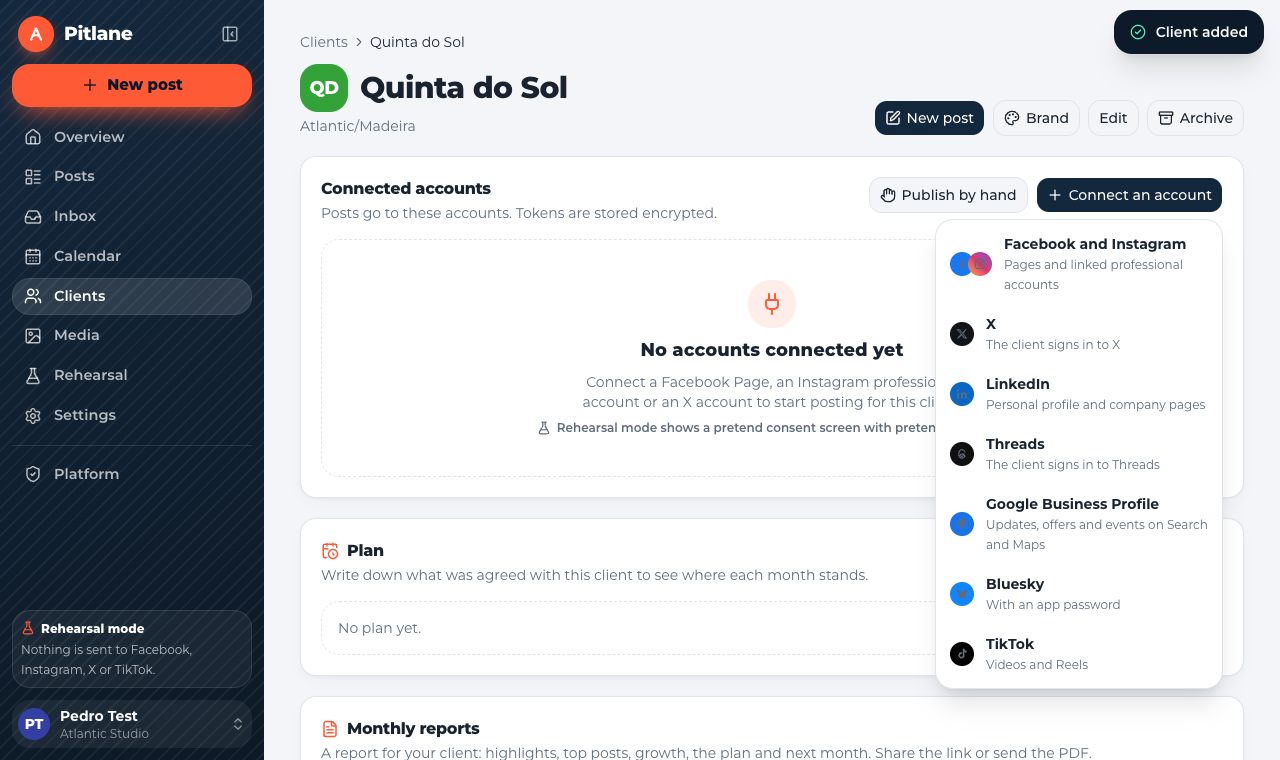
- Or, on a client page, choose Connect an account, Facebook and Instagram, and pick from the pool, or sign in with another Facebook user.
Disconnecting an account returns it to the pool.