
Help / Getting started
Getting started with Pitlane
Sign up, add your first client, connect an account and schedule a first post in a few minutes.
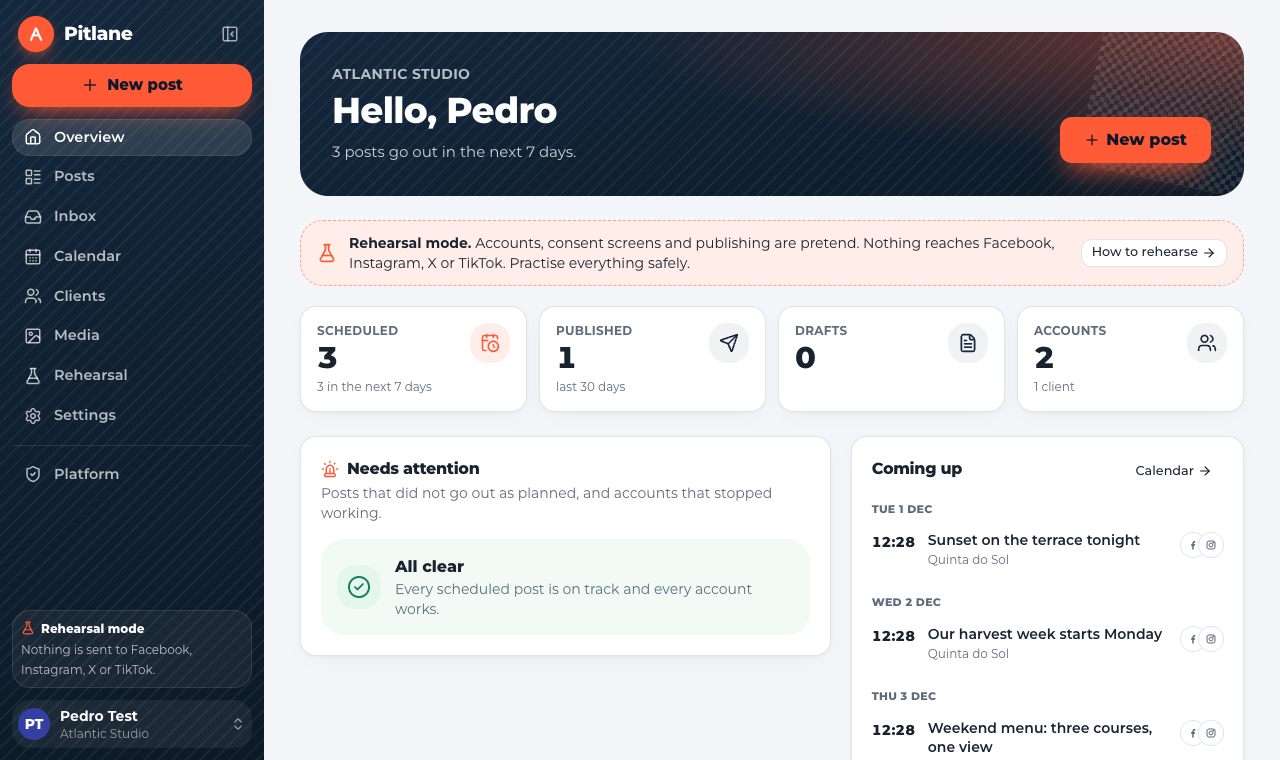
Pitlane plans and publishes social media posts for agencies and companies: Facebook, Instagram, X, TikTok, LinkedIn, Threads, Bluesky and Google Business Profile, for as many clients as your plan allows.
- Sign up at the sign-up page and choose Agency (several clients) or Company (one brand). You get a 14 day trial of the Studio plan.
- Open Clients and add your first client. Its name is also its brand.
- On the client page choose Connect an account and pick a network. Follow the steps in the Networks guides.
- Press New post, write the text, add pictures or a video, choose the accounts and a time, then schedule.
- Watch it in the Calendar and in Posts. If something fails, it appears under Needs attention with the reason.
The Rehearsal page lets you try everything with pretend accounts. Nothing is sent to any network.