
Help / Clients and brands
Clients
Add clients, give each its own accounts, time zone and team, and switch between them.
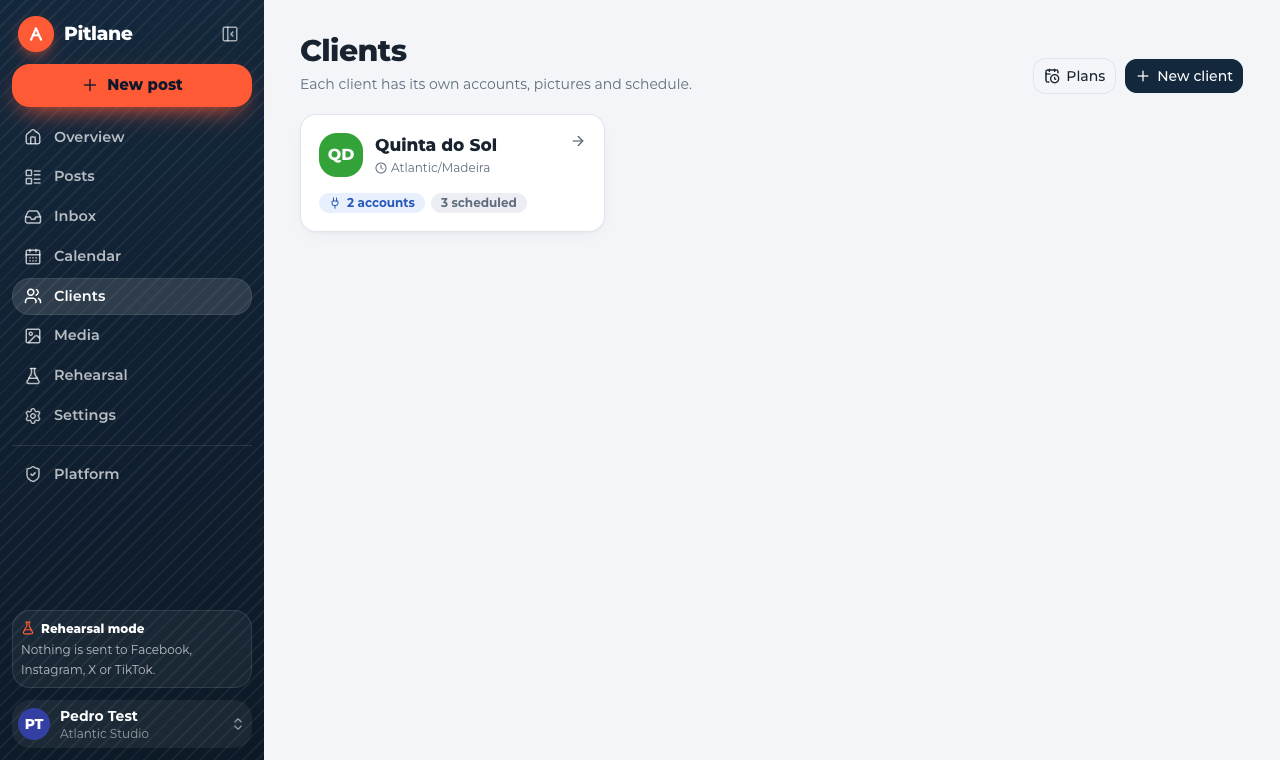
Every client is a separate space: its own accounts, posts, brand profile, plan, statistics and reports.
- Open Clients, then Add client. Type the name.
- Open the client to connect accounts, set the time zone and see its posts.
- Pause or archive a client you no longer work with. Its history stays.
Your plan limits how many clients (brands) and connected accounts you can have. Pitlane tells you before a limit stops anything.